From 2D Drawing to a Manufacturing-Ready Part with AI
I built a local pipeline that reads part drawings, rebuilds them in 3D and prepares laser-cutting quotes. What works, and why fine-tuning on your own drawings pays off.
- generative AI
- 3D modelling
- engineering workflows
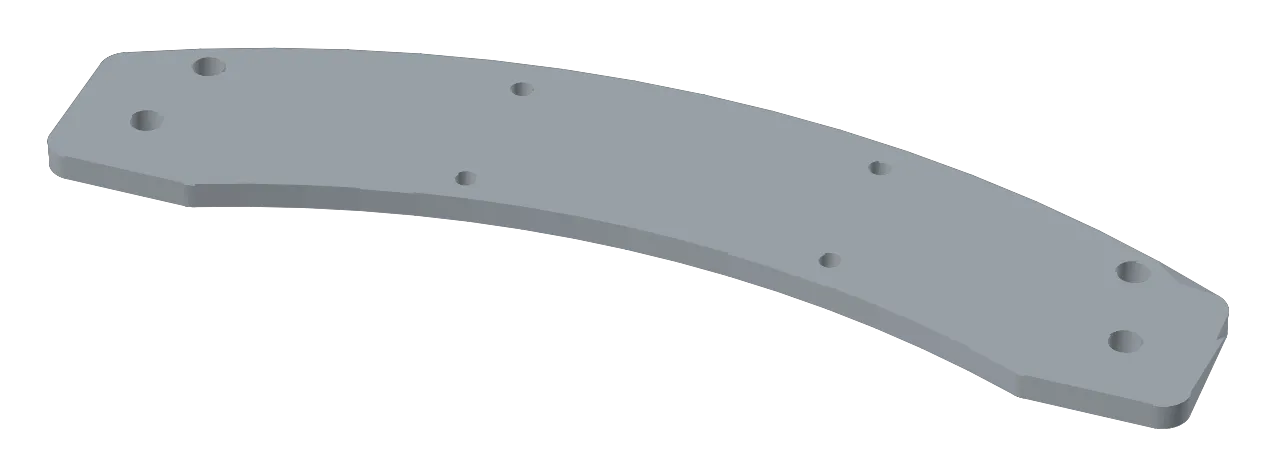
Designers spend a surprising share of their time rebuilding parts that already exist on paper. A legacy PDF, a supplier drawing, a new revision: before a part can be changed, checked or quoted, someone models it again in CAD, and again after every change. That is time not spent designing.
I built a pipeline that does that step automatically, on a laptop, without sending drawings to a cloud service. It reads the drawing, rebuilds the part in 3D and returns what a laser-cutting quote needs: thickness, sheet size, cut length and holes. Pick a part below: on the left the real production drawing, on the right the part my pipeline built from it.
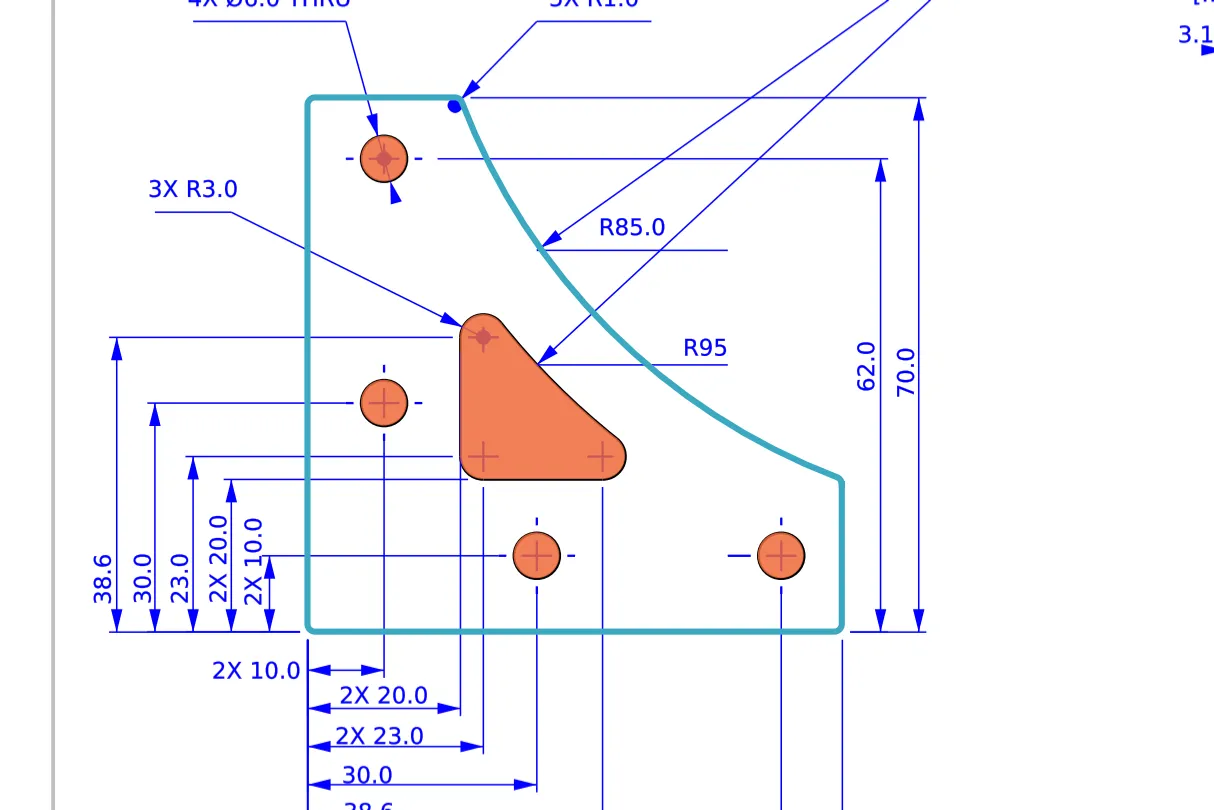
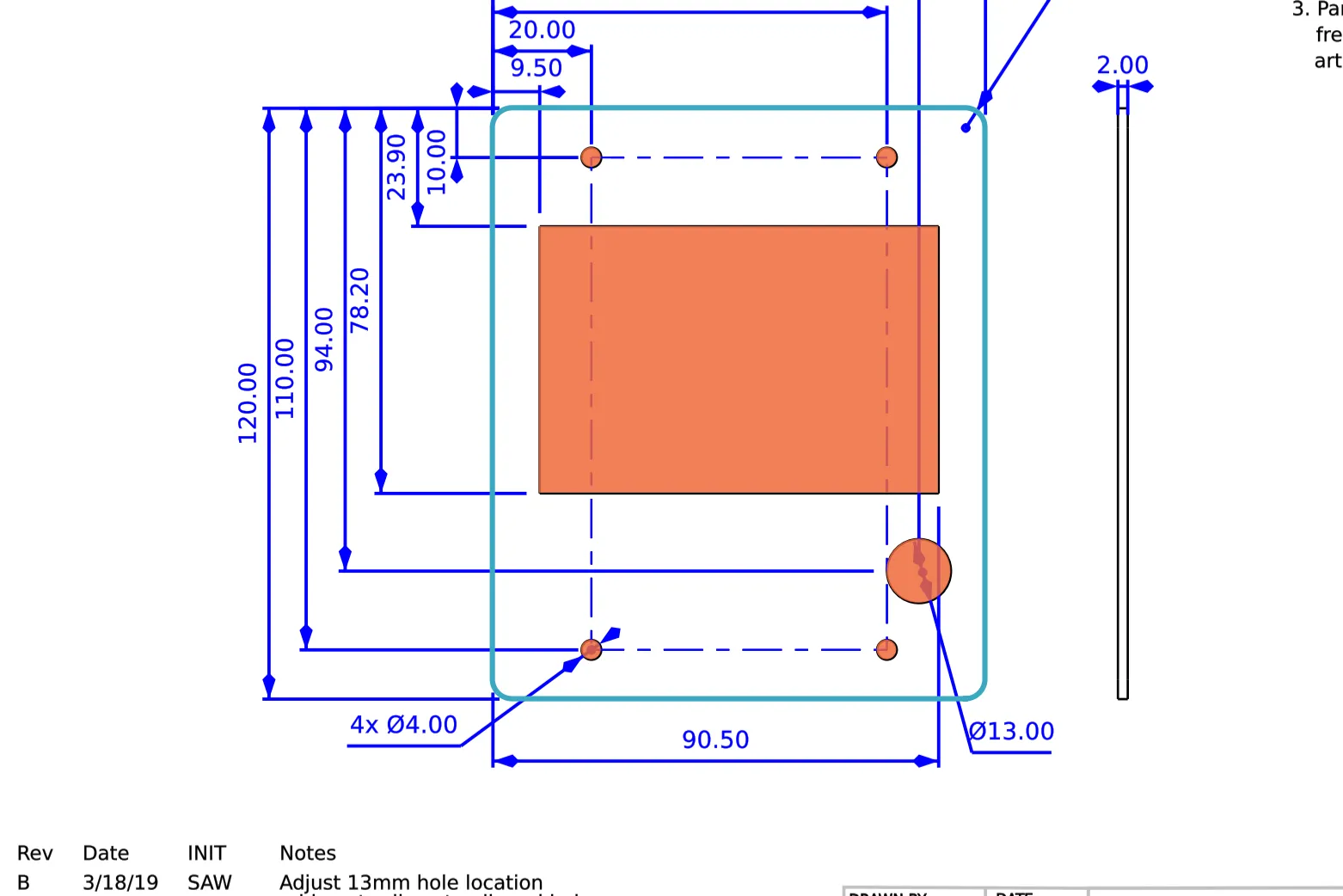
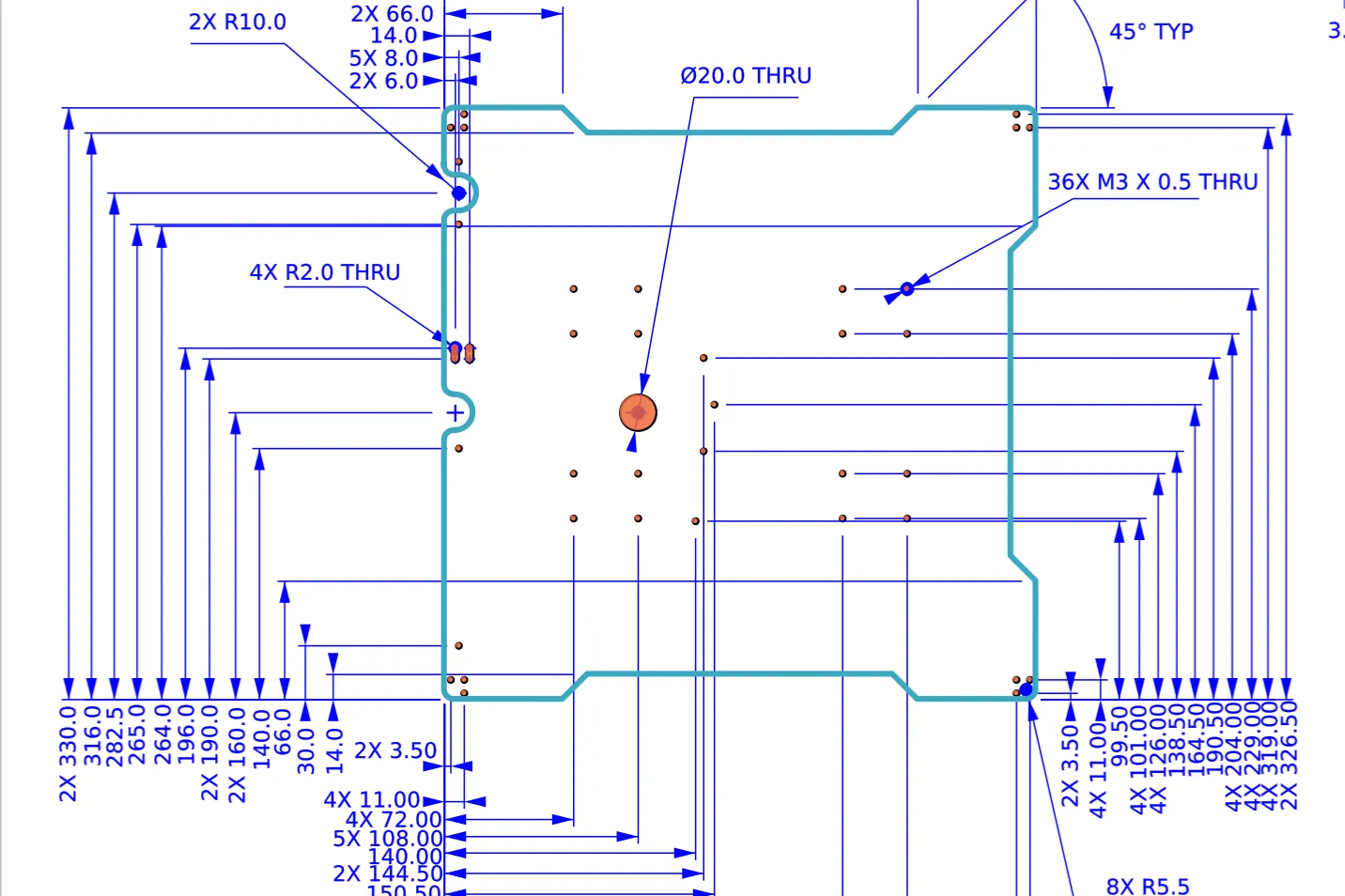
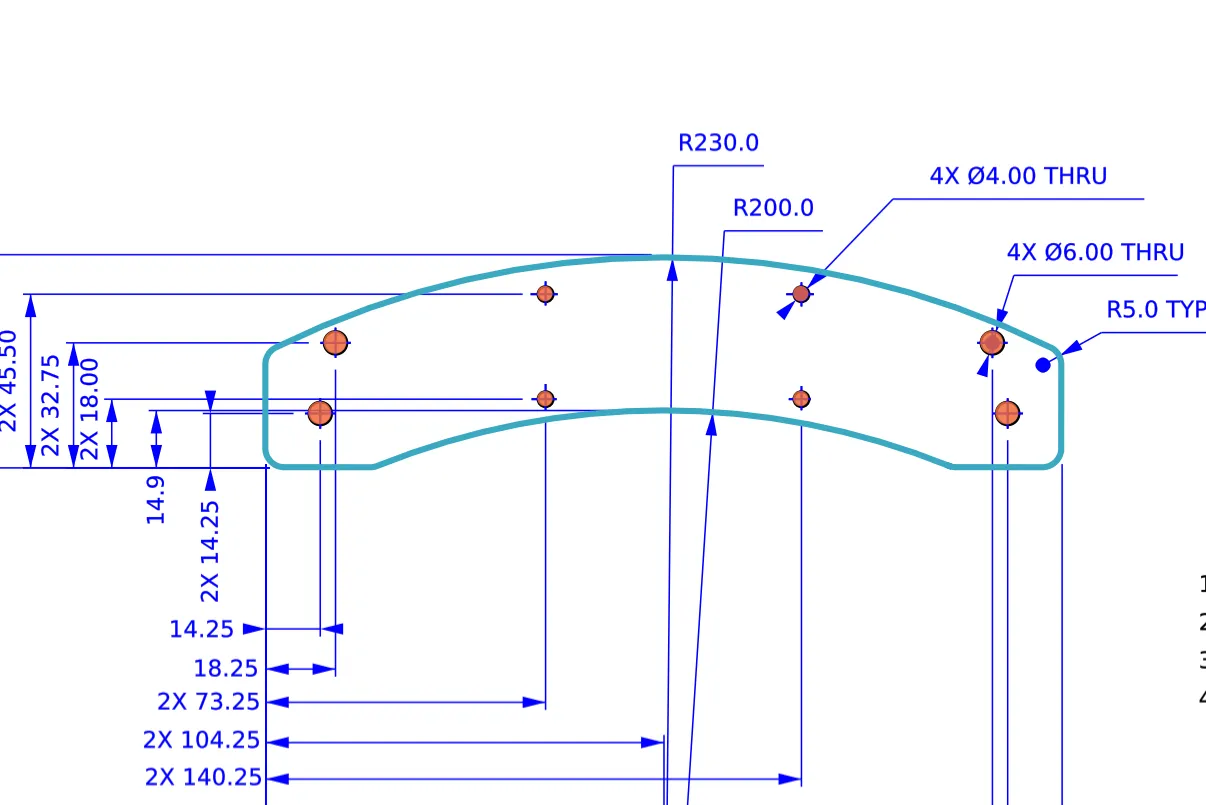
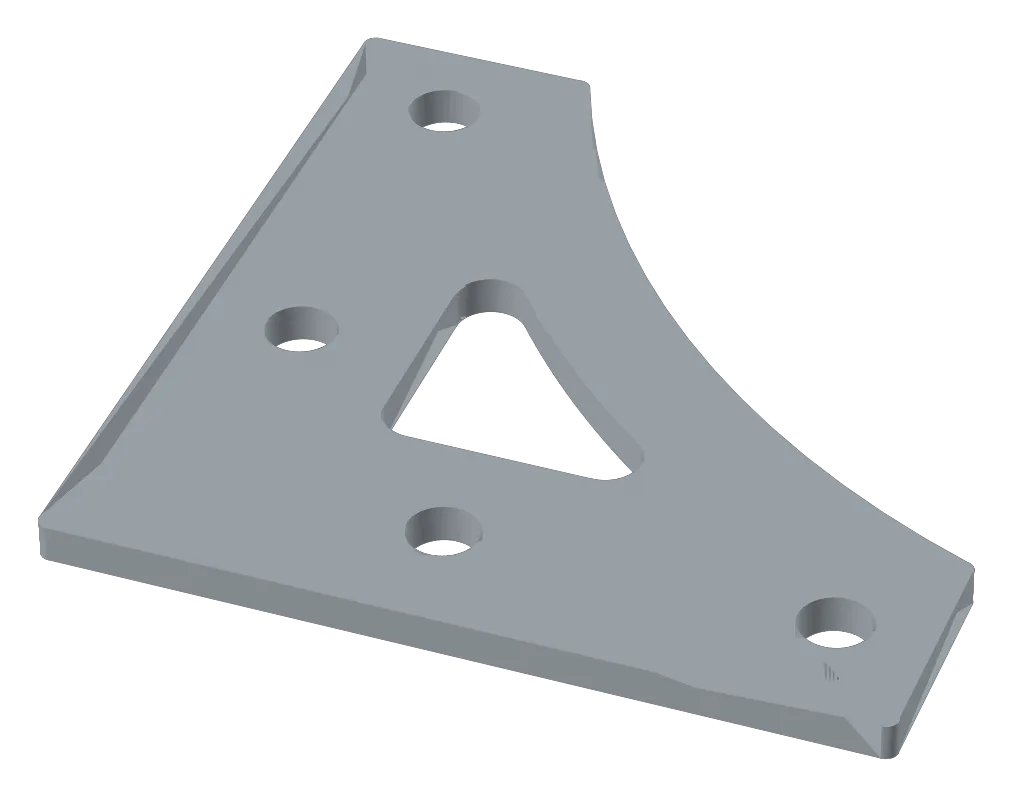
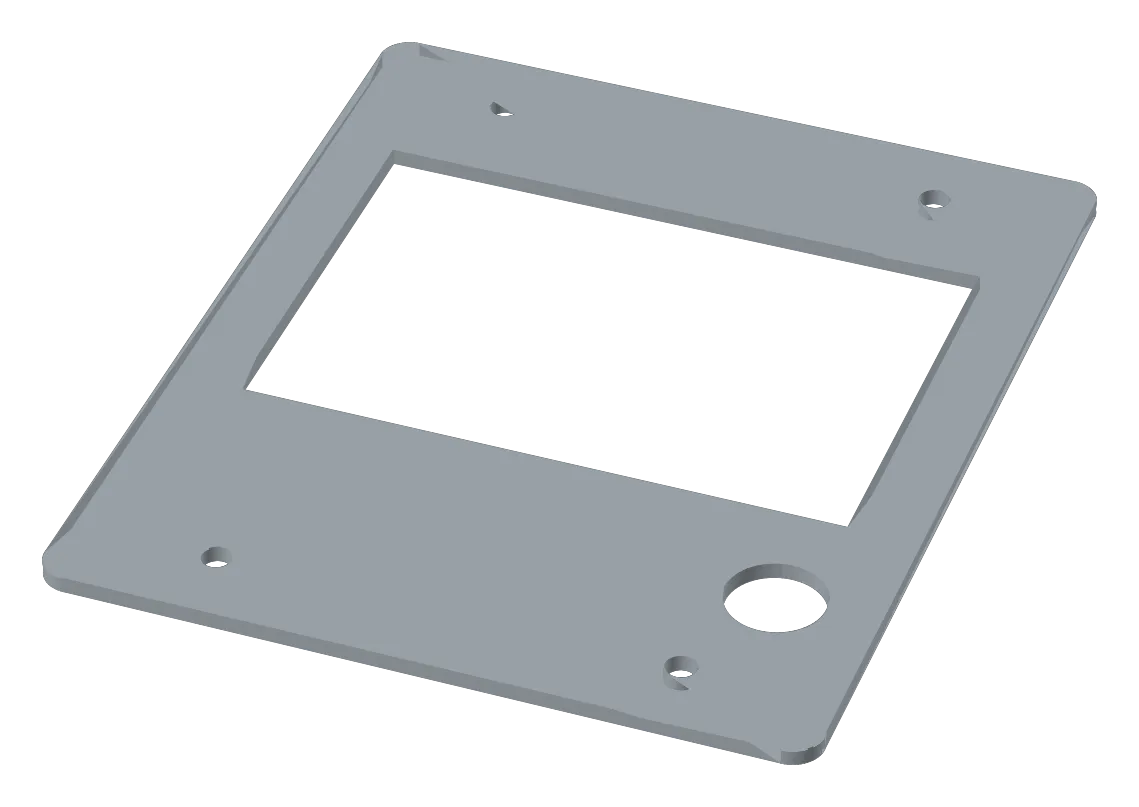
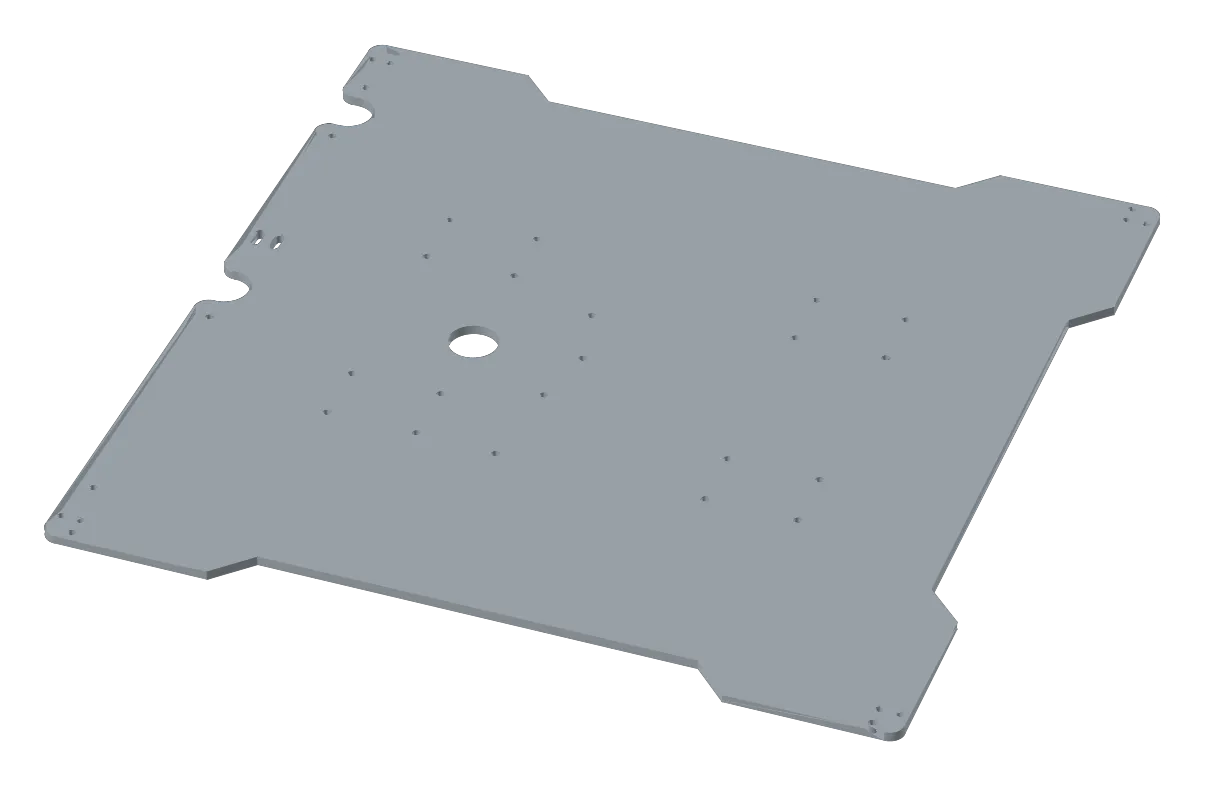
70 × 70 mm · 3.175 mm 5052 aluminium · 4 holes and a cut-out
How it works
- 01
Drawing in
DXF, vector PDF or a scan: whatever the designer has.
- 02
Read
Vector files are read directly: outline, holes, scale from the printed sizes, stock thickness. No model.
- 03
Check
Does the part agree with the drawing? If something doesn't add up, the reader says “not sure” instead of guessing.
- 04
Part and quote
3D model, blank size, cut length, pierce count and thickness: what a laser or waterjet quote needs.
A vision model, fine-tuned on a laptop GPU, writes the part as CAD code. The same checks apply. If it fails them too, an engineer looks.
Vector drawings are read directly, in seconds, with no GPU. Everything else goes to a fine-tuned vision-language model (VLM). Both answers are checked against the drawing.
Results on 44 real drawings
- 30 read right
- 13 “not sure”, passed on
- 1 read wrong
Fine-tuning IterCAD-RL on a laptop
The VLM is IterCAD-RL, an open-source model (Apache-2.0) built on Qwen3.5-4B. It reads a drawing and writes the part as CadQuery code.
- 01
Generate
Drawings from my own generator, each with an exact 3D answer.
- 02
Fine-tune
QLoRA: the model in 4-bit, a small adapter trained on a 12 GB laptop GPU.
- 03
Check
Every answer is built and scored in millimetres against the true part.
- Drawings like the training set · shape agreement
Fine-tune on your own application
A model gets good at the drawings it is trained on. Every company has its own templates, title blocks and part families, so that is what to train on.
-
Your drawings
Your templates, your scans, your part families.
-
Start small
A few hundred examples already make a big difference.
-
In house
Runs on a laptop GPU: your data stays put, the model is yours.
Measure what the shop pays for
That’s why every number here is in millimetres, with every hole counted.
Next
- Fresh drawings from design teams, to confirm the “not sure” check. Have some to share? Get in touch.
- Scans and photos, the fine-tuned VLM’s job.
- Bent sheet-metal brackets.
Drawings: LulzBot production drawings (PP-MP0106, PP-MP-215, PP-MP0108, PP-MP0111), © Aleph Objects, Inc., CC BY-SA 4.0; overlays and 3D models adapted under the same licence. Test set also includes Voron (GPL-3.0) and LifeTrac drawings. The “not sure” rules were set on these drawings. No private data used.